Account and Dashboard
Sign in and navigate the dashboard
Sign In
There is no self-service sign-up. Go to /login and choose Sign in with Microsoft — access is controlled entirely through your organization's Entra ID (Azure AD) groups.
Organizations and projects
Only platform admins can create organizations and projects. If you can't create one, that's expected — ask an admin to grant you access to a specific project.
Getting access
An admin adds you to a project with a specific role. Once added, that project (and its parent organization) appears in your dashboard.
Dashboard
The dashboard is your home screen — it shows activity metrics, recent sessions, and quick actions.
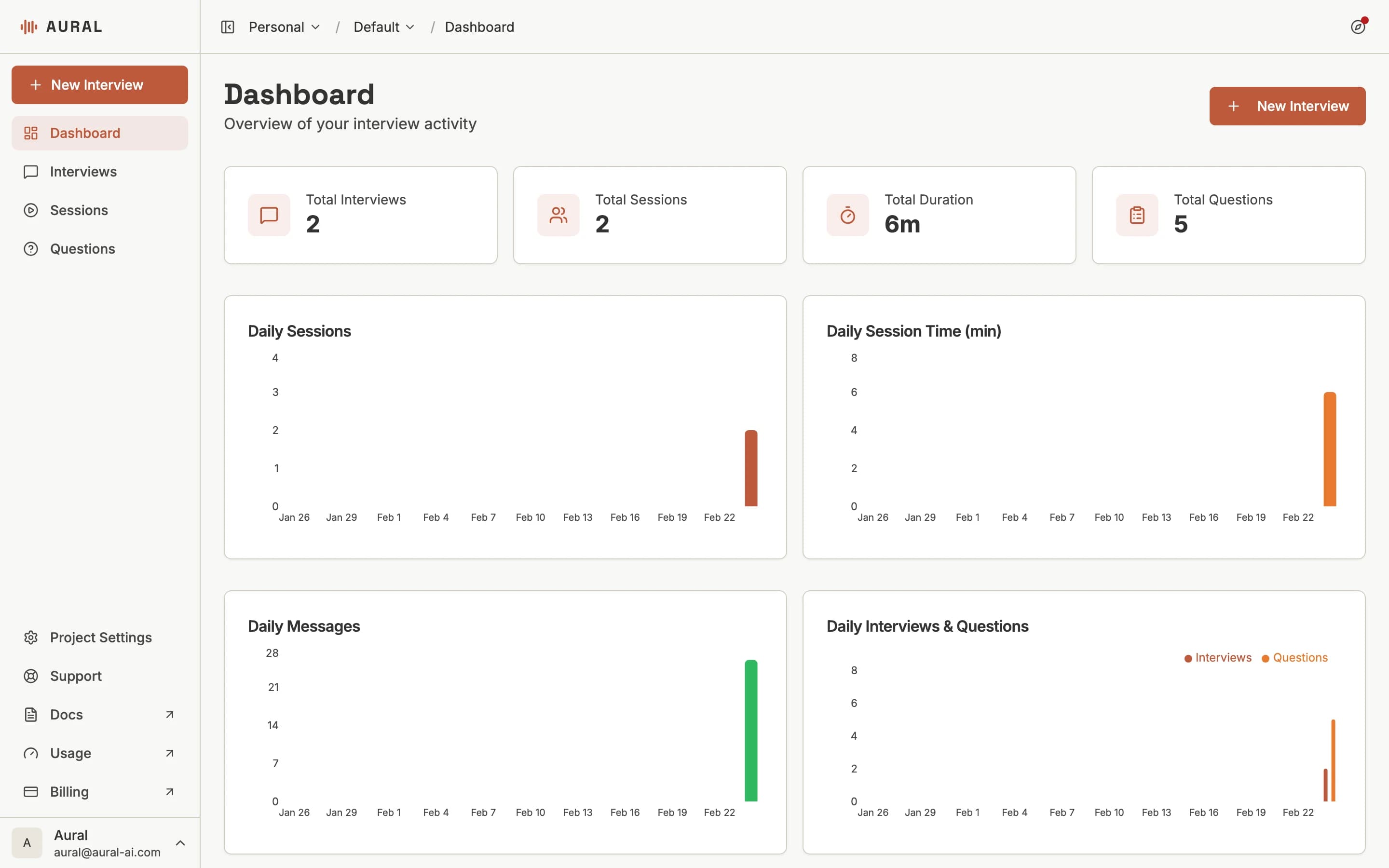
Sidebar Navigation
- Dashboard — Activity overview, recent sessions, and quick actions
- Interviews — Create and manage interview templates
- Sessions — View and track individual interview sessions
- Questions — Browse and reuse your question library
Organization Pages
Organization-level pages are accessible from the sidebar:
- Project Settings — Manage project defaults and workspace configuration
- Support — Find help resources and troubleshooting guidance
Switching Projects
Use the project selector at the top of the sidebar to switch between projects. Each project has its own interviews, sessions, and settings.